
Fabrication estimating software for RFQs
Kwantflow helps fabrication estimators, job shops, and manufacturing quoting teams turn RFQ emails, drawings, CAD files, BOMs, and spreadsheets into reviewed quote drafts. Keep rates, margins, and source files in a local desktop workspace.
Keep the RFQ source files, quantities, rate assumptions, and quote review together. Kwantflow uses AI for draft preparation while the estimator remains responsible for scope, pricing, and final approval.
Quote workspace
Fabrication estimating software for RFQ-to-quote work
Import RFQs from Outlook and Gmail, review PDF drawings, BOMs, nesting layouts, and 3D STEP models beside your rates, then generate reviewable quote drafts locally. Built for fabrication estimators, job shops, manufacturing teams, glazing, HVAC, quantity surveying, and structural steel contractors.
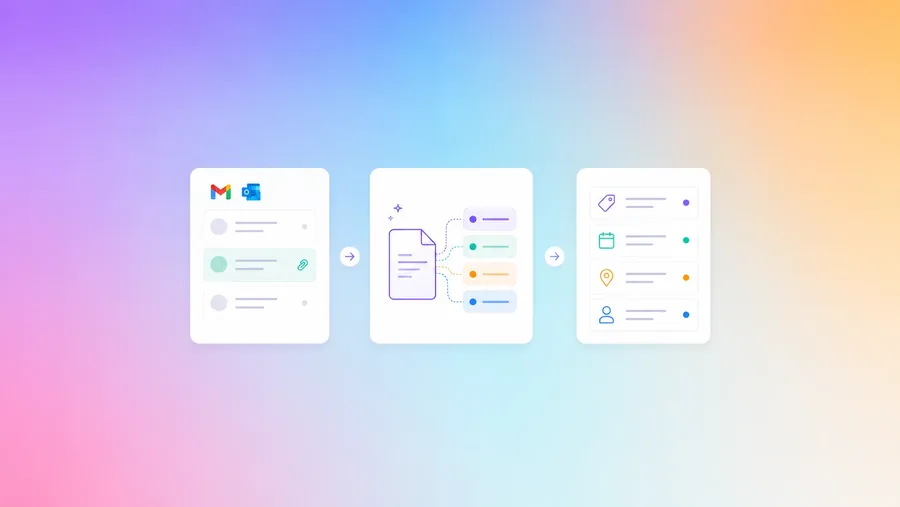
Email-to-RFQ in One Click
Connect Outlook or Gmail, browse your inbox, and turn complex RFQs into structured quote drafts with one click. AI helps extract tender details, project deadlines, shipping addresses, and attachments for estimator review.
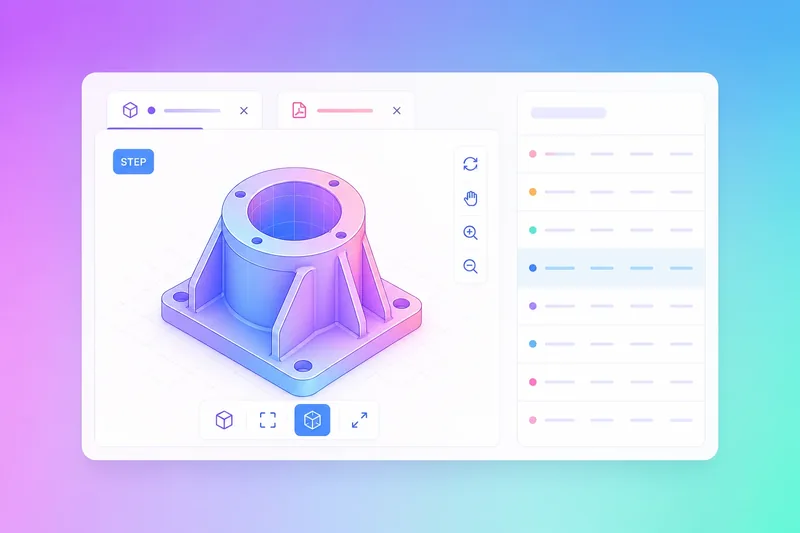
Inline CAD & Drawing Takeoffs
Open DWG/DXF drawings, nesting layouts, and 3D STEP/IGES models directly in your desktop workspace. Compare revisions, count parts, and extract dimensions without slow file conversions or expensive external viewers.
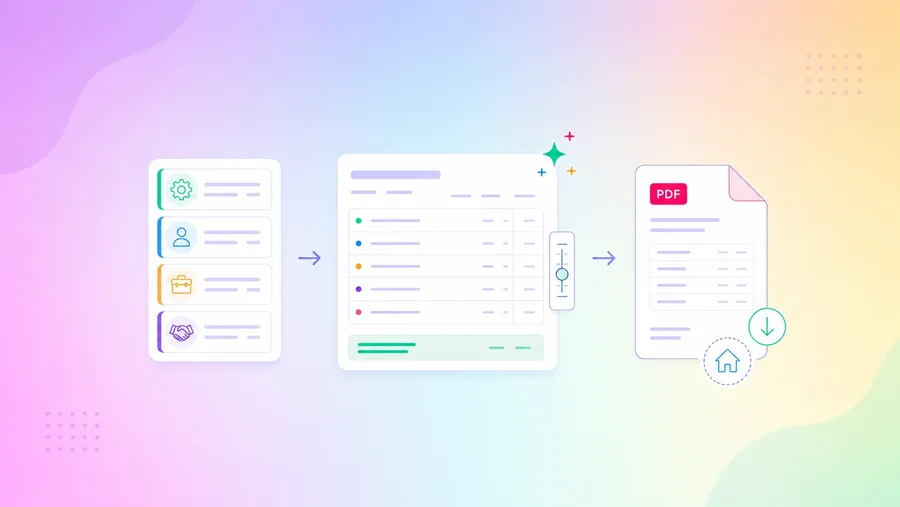
Protect Your Customised Rates
Build estimates from your own material, labour, nesting, and subcontract rate tables. AI drafts structured line items from BOMs, drawings, and specs while you keep final control of markups and margins.
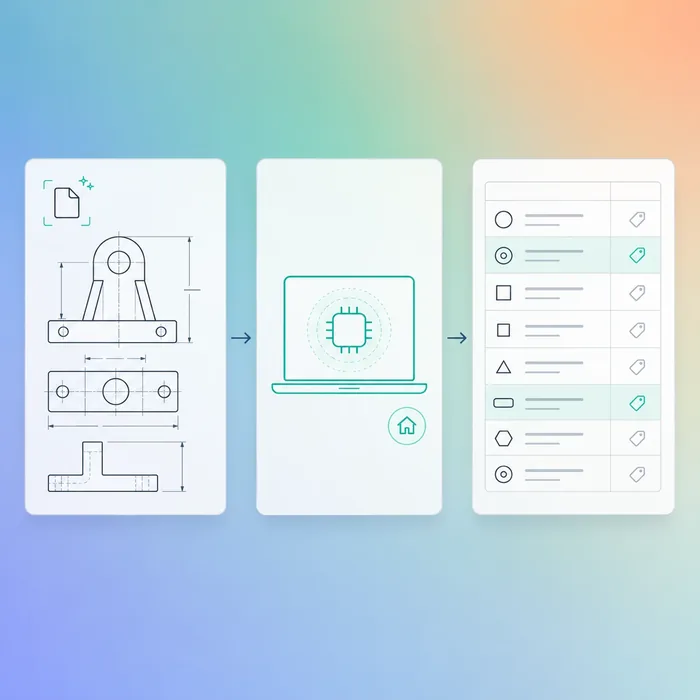
Kwantflow AI (Draft Prep)
Run Kwantflow AI on your desktop to analyse project specifications. It can compile BOM-aware draft line items for review, map components to your rate templates, and flag discrepancies while keeping your estimating IP secure on your machine.
Integrations











Security & Privacy
Enterprise-ready, local-first control
Your IP stays yours. Customer drawings, margin data, and pricing models never touch a third-party server.
Local-First Security
Core quote operations run on your local hardware, keeping intellectual property off the cloud by default.
Complete Data Sovereignty
Your sensitive drawings, files, and profit margins are stored in local workspaces — not on third-party cloud servers.
Offline-Capable Workspace
RFQ review, takeoff prep, and PDF quote generation keep working offline, no browser or internet connection required.
Shared Estimating Structure
Share rate cards, templates, and estimate structures across your estimating team — without shared cloud accounts.
Your IP Stays Yours
Customer drawings, margin data, and pricing models never touch a third-party server — by design, not by policy.
Local Project Database
Your project database belongs to you, stored securely on your own device. Export raw data and quote history in CSV, Excel, or PDF formats anytime.
Latest Articles
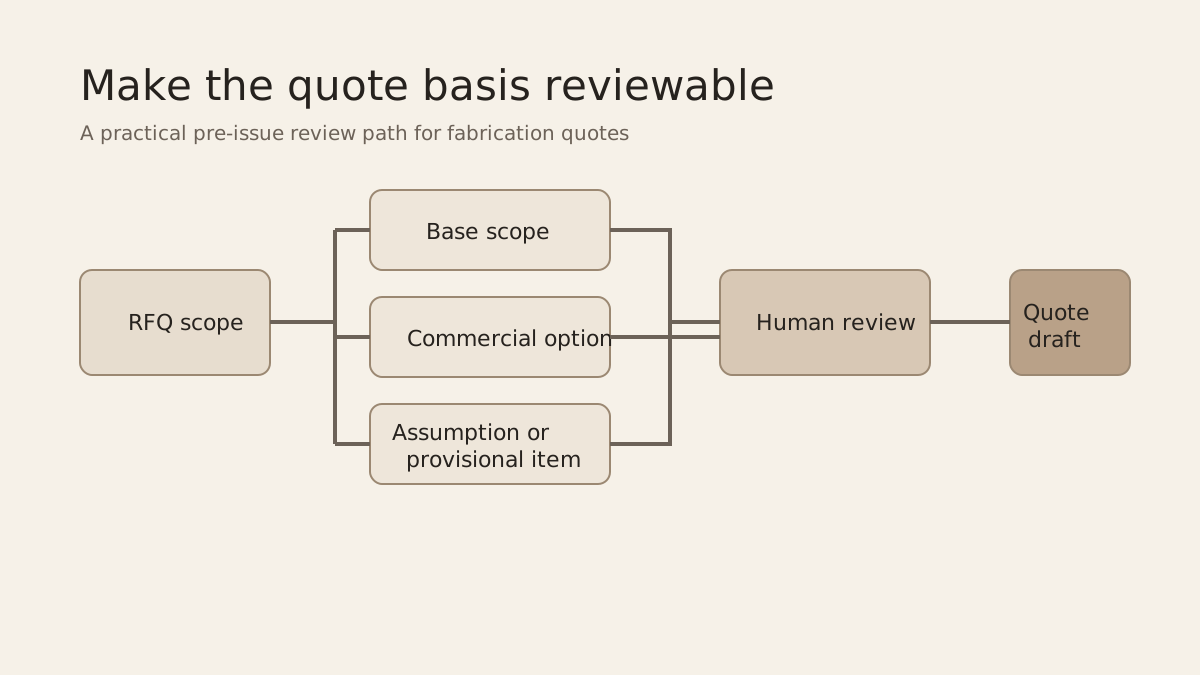
Tender Alternates and Provisional Sums: A Quote-Basis Checklist
A practical ANZ quote-basis checklist for keeping tender alternatives, provisional sums, exclusions, and revisions reviewable before issue.
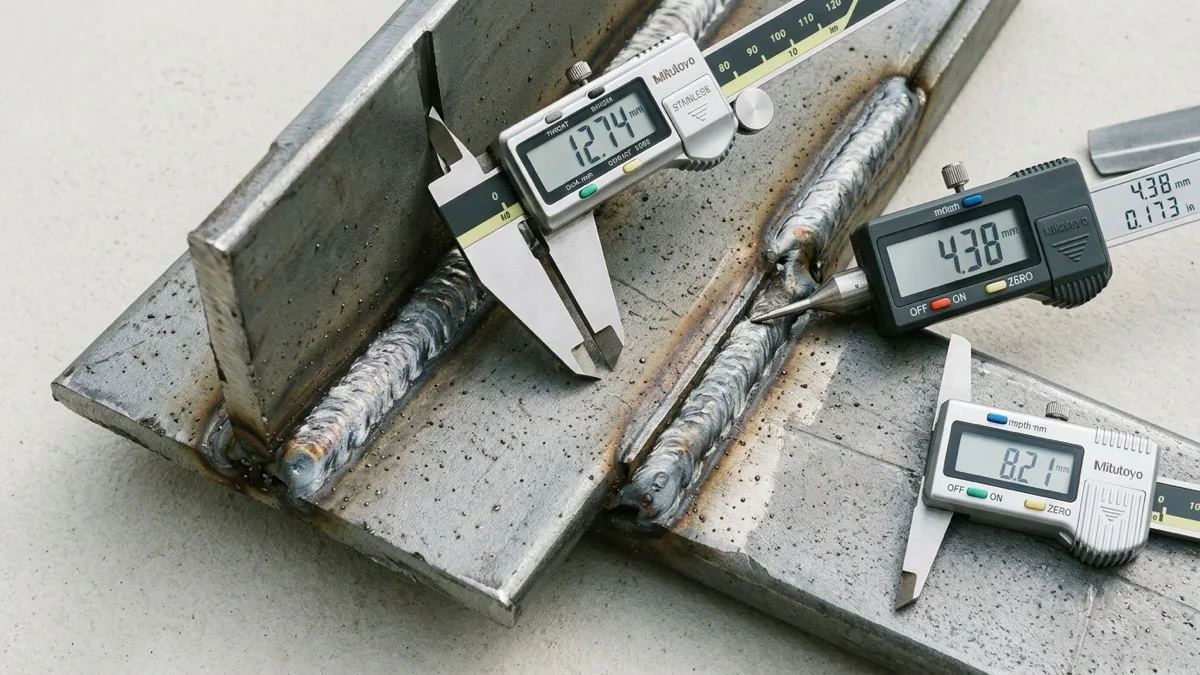
AS/NZS 5131 CC2 Estimating: A Construction-Category Review
Review the construction-category basis for a structural-steel estimate by recording importance, service, fabrication, traceability, and project-document requirements before pricing.
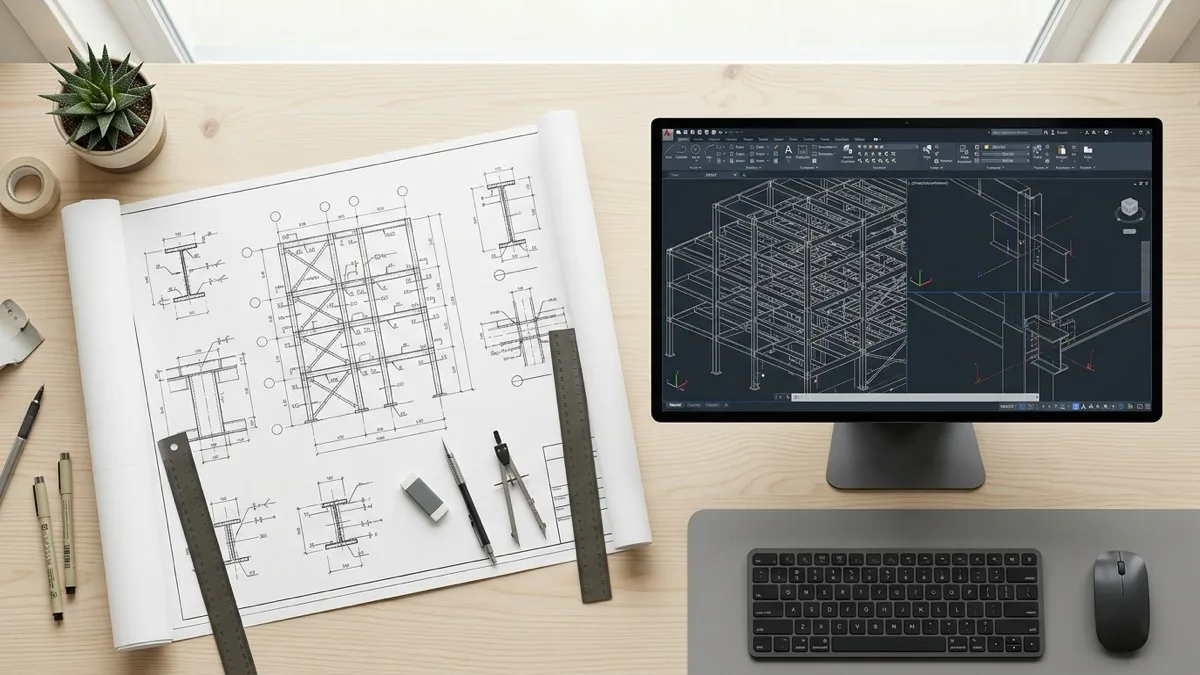
NCC 2025 Steel Quoting: Structural Setup Guide
Step by step guide for structural steel estimators preparing tenders under the new NCC 2025 compliance guidelines using local CAD takeoff tools.
Respond Faster. Win More Tenders.

Try Kwantflow now
Keep RFQ files, rate assumptions, and reviewed quote drafts together in a local desktop workspace.