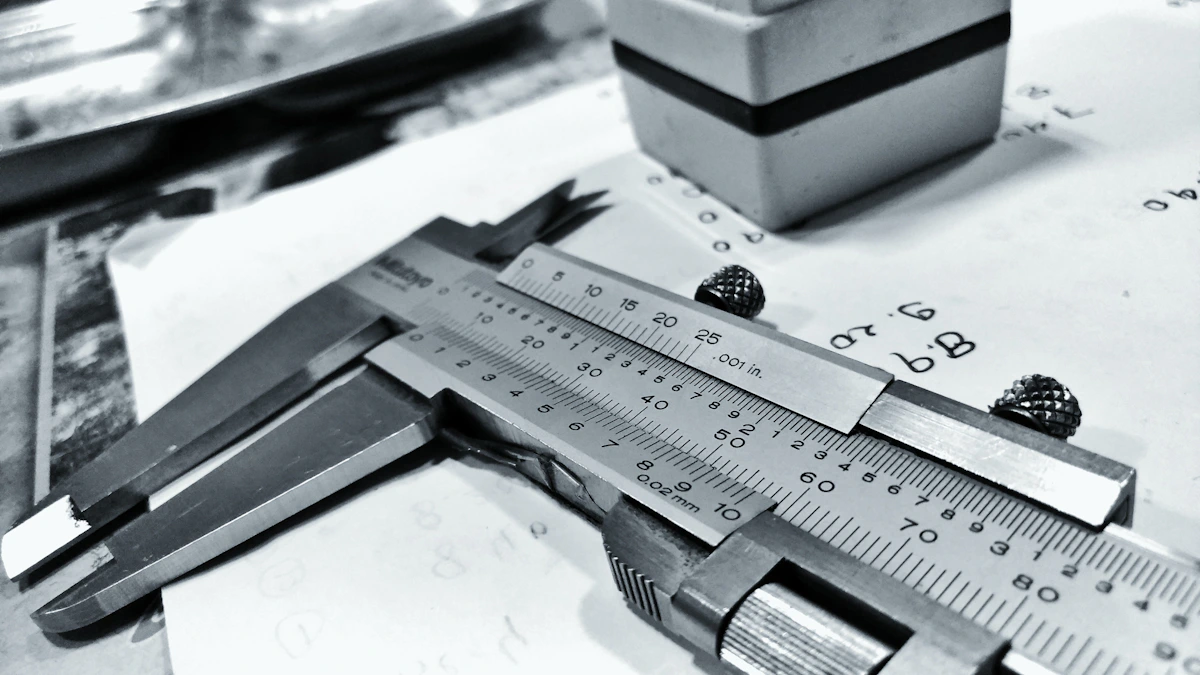
Learn why volumetric 3D STEP files alone fail to show tolerances and finishes, causing expensive quoting errors for precision machine shops.
Volumetric limits
Grizzled estimator reality: The worst quote you can send is one based purely on a clean 3D CAD model that has no tolerance notes. Volumetric 3D CAD geometry represents a nominal world where everything is perfect. However, a STEP file does not show the material tolerances or surface requirements that dictate actual cycle times. Estimators who rely only on 3D volumes often underquote, leading to serious margin erosion when the part hits the shop floor.
When you load a CAD model, the software calculates the volume and surface area. It does not know if a face needs to be ground flat to within five micrometres or if a hole is a simple clearance fit. This limitation is why relying solely on nominal 3D geometry is a major hazard for precision machining shops. A shop that quotes purely from a CAD volume is bidding on a nominal part, not the real part.
Missing tolerance details
Tolerance impact: Standard 3D CAD models do not carry the dimensional constraints that determine machining difficulty. If you price a part without checking the print, you will miss critical tolerance callouts. A pocket that can be rough-milled in ten minutes might require a slow finish pass and EDM work if the tolerance is extremely tight. This is where extracting tolerance notes from PDF drawings becomes crucial.
Without referencing the drawing sheets, the estimator is forced to make assumptions. If those assumptions are wrong, the shop bears the cost of the scrap. Tighter tolerances require slower feed rates, more frequent tool checks, and specialized measuring equipment. None of these requirements are visible in a nominal STEP file.
Machining setup costs
Setup time factors: Finding the number of setups required for a part is a major component of an accurate estimate. A 3D CAD model shows the finished part but does not show the workholding sequence. If a part has features on five different faces, the operator must rotate and clamp the block multiple times. Each rotation adds setup minutes and increases the risk of alignment errors.
Estimators must evaluate whether a custom fixture is needed to hold the material. Thin-walled parts require careful clamping to prevent distortion during milling. These physical challenges are not captured by volume calculations. Before you finalize any estimate, auditing CNC RFQ files before quoting is a critical practice to identify these setups.
Underquoting steel risks
Raw material costs: Underestimating raw material requirements is a quick way to lose money on a job. Estimators must calculate the raw block size needed to machine the finished part, including clamping allowances and parting cuts. A STEP file only shows the finished envelope, not the raw stock size you must buy.
If the part geometry requires buying a much larger bar or plate, the material cost can double. This is especially true for exotic alloys or heavy steel fabrication. The finished volume does not tell you how much scrap you will generate. Estimators must verify these raw material sizes against the drawing notes before submitting the final quote.
Contract print precedence
Legal definitions: In the manufacturing industry, the 2D technical drawing acts as the legal contract for the part. If a mismatch occurs between the 3D model and the 2D print, the print takes precedence. If you machine a part to match the CAD file but it violates the drawing tolerances, the customer has the legal right to reject the batch.
Always look for precedence clauses in the RFQ document. The drawing contains the engineering signature and the revision block, which establishes the source of truth. Relying on a STEP file without verifying the matching print is a major liability.
Local first compliance
Data sovereignty requirements: Bidding on defence and aerospace jobs requires strict data security compliance. Uploading customer CAD files to a cloud-based estimating platform violates ITAR and CMMC guidelines. Shops must process all sensitive drawings locally on their own machines.
Local-first software allows estimators to render 3D models and audit PDF sheets without sending proprietary designs to external servers. This keeps your customer intellectual property secure and protects your shop from compliance audits. Maintaining local control of your data is a necessity in modern manufacturing.
Revision history checks
Version control issues: Design changes are common during the quoting phase. A customer might send an updated CAD model but forget to send the revised drawing sheet. Quoting from mismatched files leads to building parts to the wrong specification.
Estimators must verify that the revision letter in the drawing title block matches the model history. A structured checking process prevents quoting obsolete design iterations. Never assume the files are in sync without checking the revision history table.
Building quote safety
Checklist execution: Profitable quoting requires a systematic audit of all incoming RFQ files. Estimators should verify material specs, finish callouts, tolerances, and packaging requirements. Leaving these details to chance leads to underquoted jobs and lost margins.
By documenting every assumption in your quote, you protect your shop from scope creep. A local-first workflow helps you run these checks quickly and securely on your desktop. Ensure your estimating process is built on physical reality, not volumetric guesswork.
Ways estimators can keep quote review clear:
- Do not quote from STEP files alone without reviewing the accompanying 2D technical drawings.
- Standard CAD volumes ignore tolerance details that require expensive secondary operations.
- Use local-first quoting tools to analyse geometries without exposing sensitive intellectual property.
- Compare drawing revisions explicitly during incoming RFQ checks to prevent out-of-date bids.